
Mullion
Use a late-2015 27-inch 5K iMac as a display for your Mac.
- Mullion Display · the Mac you work on
- Mullion Receiver · the iMac
Why this exists
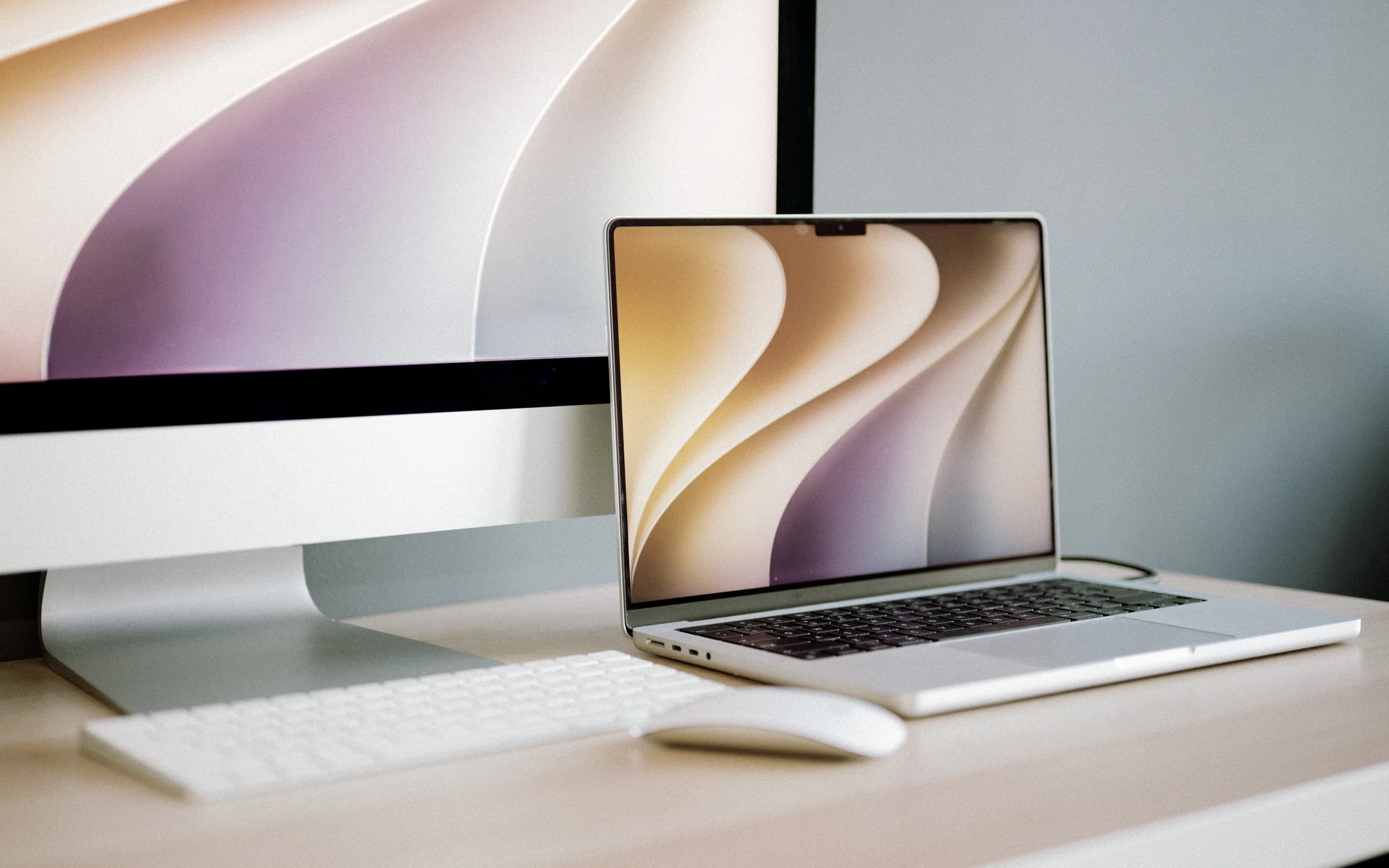
I had a late-2015 5K iMac and a newer MacBook. Apple ended Target Display Mode after the mid-2014 iMac, so the iMac had no video input, and I did not want to open it. Mullion sends the picture over the network instead.
— i4x Studio
Native 5K, 1:1.
In the standard modes, Mullion drives the iMac's panel at its own 5120 × 2880, not a scaled-down copy.
Extend, replace, or mirror.
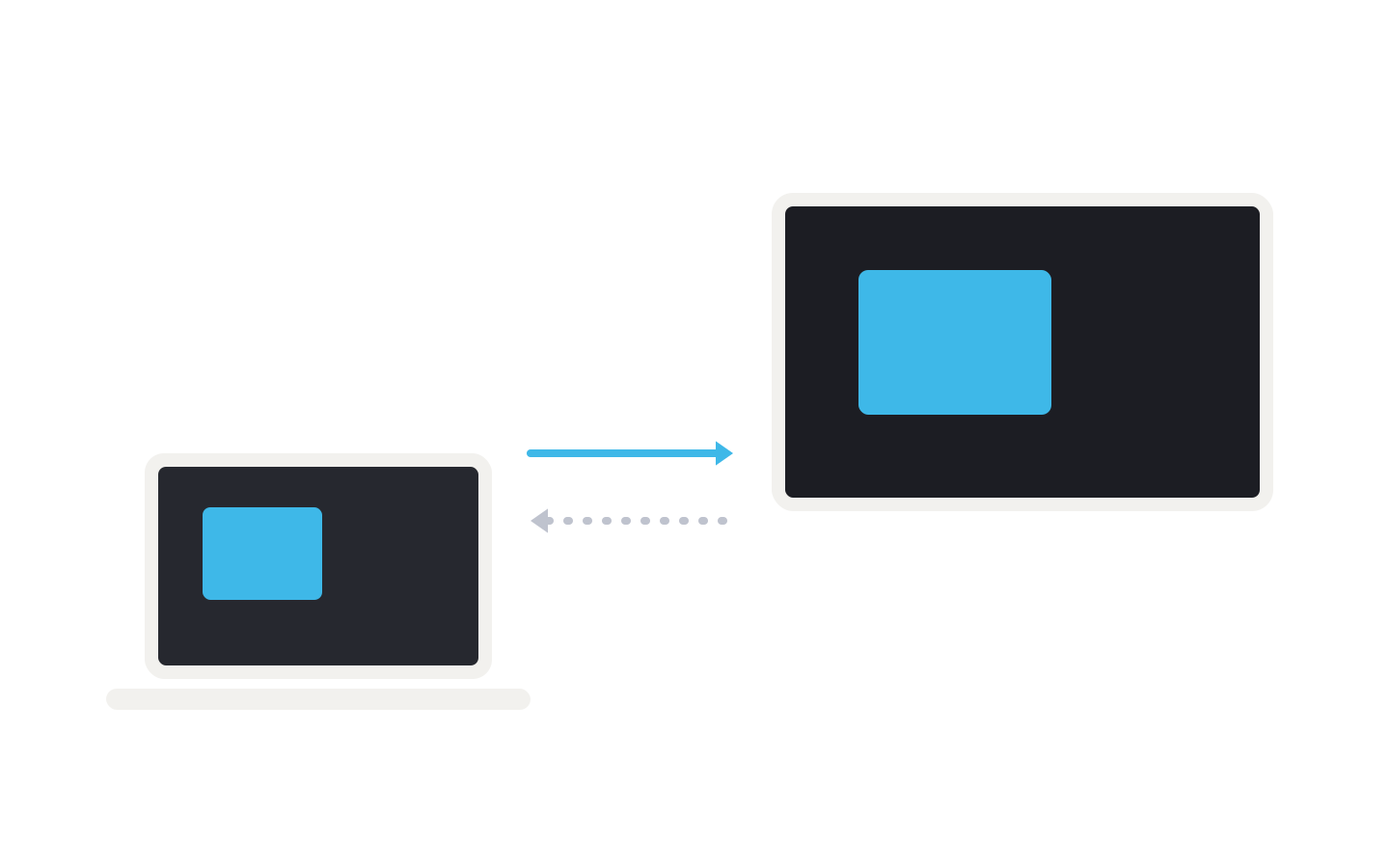
Use the iMac as a second display, as your only display with the laptop closed, or as a mirror of your Mac.
Pair once with six digits.
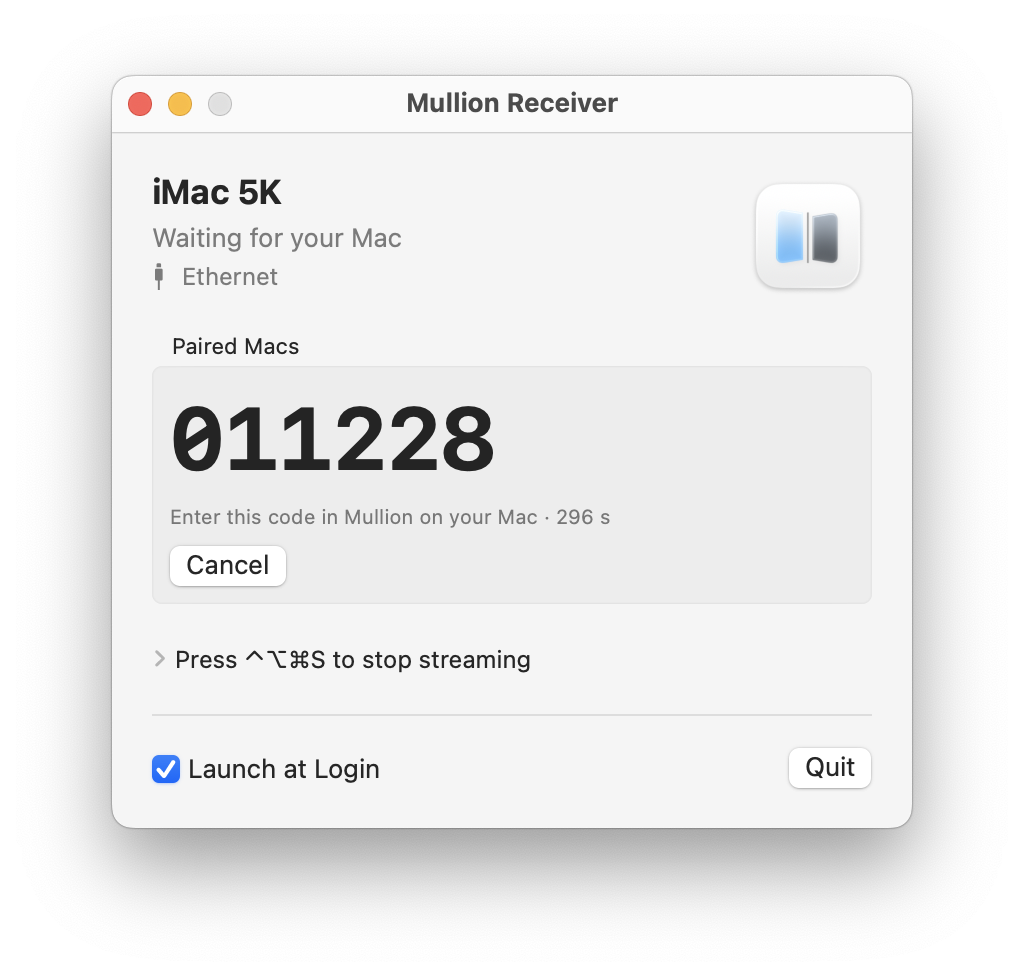
The Macs find each other on the network. Type the code shown on the iMac once, with no IP addresses and no SSH; the connection is encrypted after that.

One keyboard, one mouse.
The iMac's keyboard and mouse control the Mac you are working on, so the desk needs one set, not two.

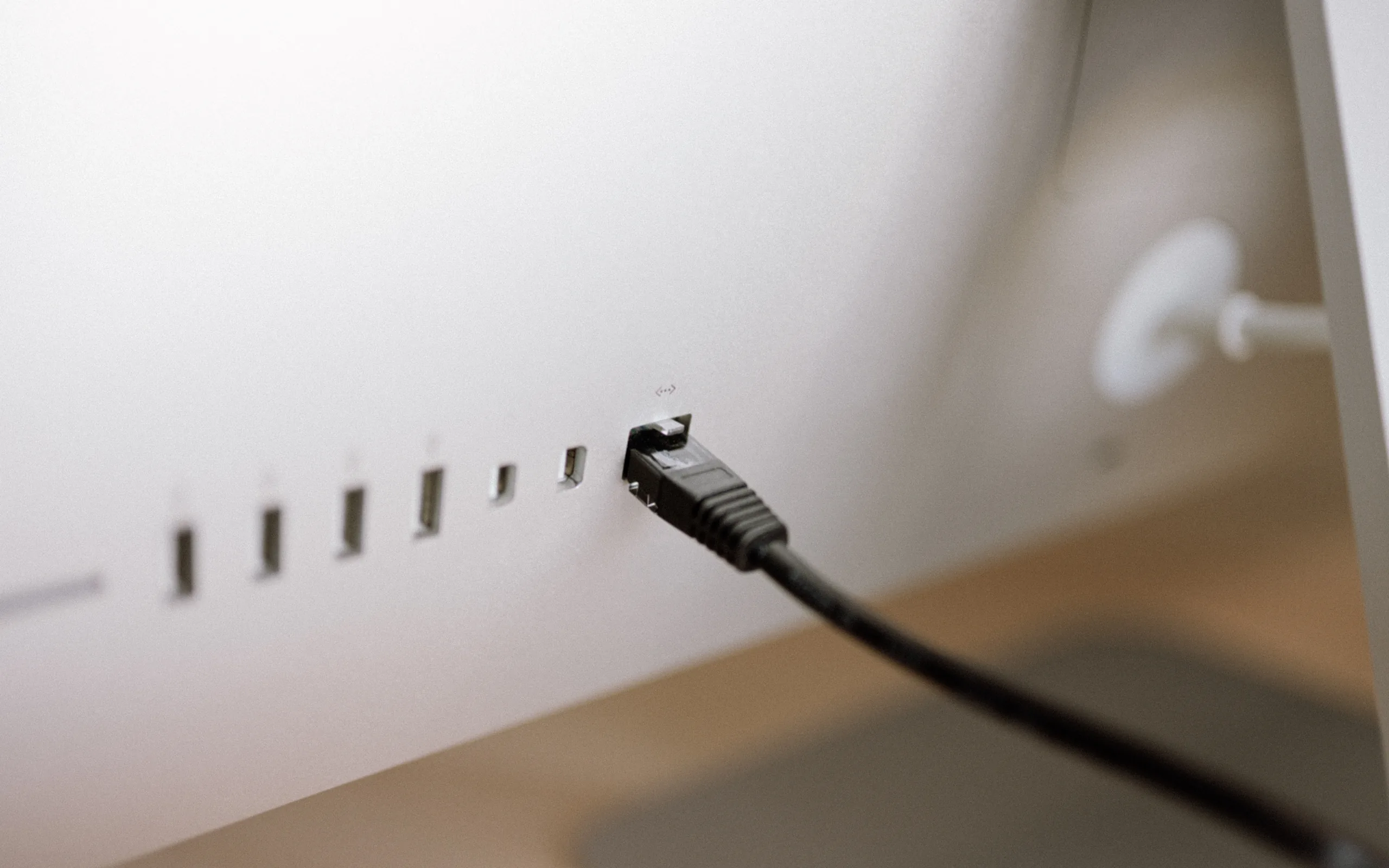
Ethernet first, Wi-Fi when unplugged.
Plug in a cable and the stream uses it. Unplug it and the stream continues over Wi-Fi without restarting.
Before you try
What this needs.
Mullion is a working prototype, tested on one iMac. These are the limits to check before you plan a desk around it.
One iMac model, tested
Mullion has been tested with the iMac (Retina 5K, 27-inch, Late 2015) running macOS 12.7.6. Other iMac models are untested.
Apple silicon on the other Mac
Mullion Display needs macOS 14 or later on an Apple silicon Mac. Mullion Receiver runs on the iMac.
Permissions, once
Screen Recording on the Mac you work on. Accessibility on that Mac and on the iMac, plus Post Events on the iMac. The apps show what is still missing.
Wired for the measured rate
The frame-rate figures were measured over wired Ethernet. Wi-Fi works, and the stream switches to it without restarting.
Sleep ends the stream
When the iMac sleeps, the connection ends. Wake it and connect again.
Receiver first
Open Mullion Receiver before you press Connect, and keep it in /Applications so it can start at login.
In the app
What it looks like when it runs.
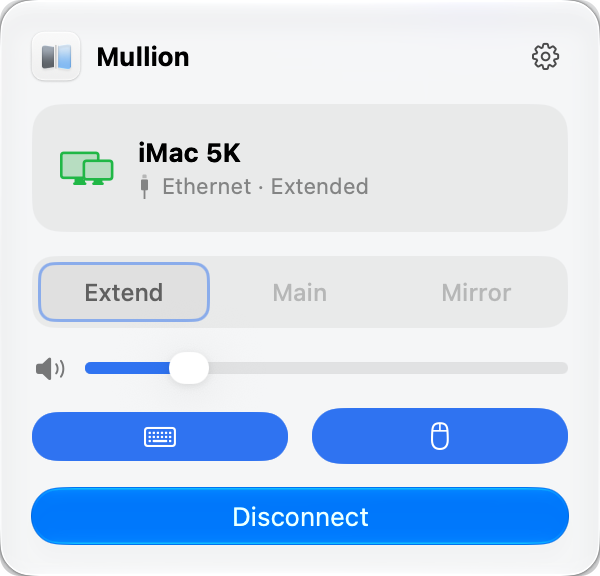
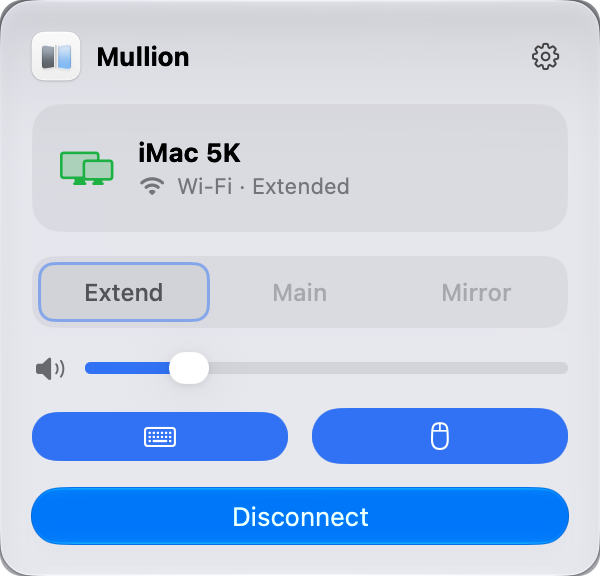
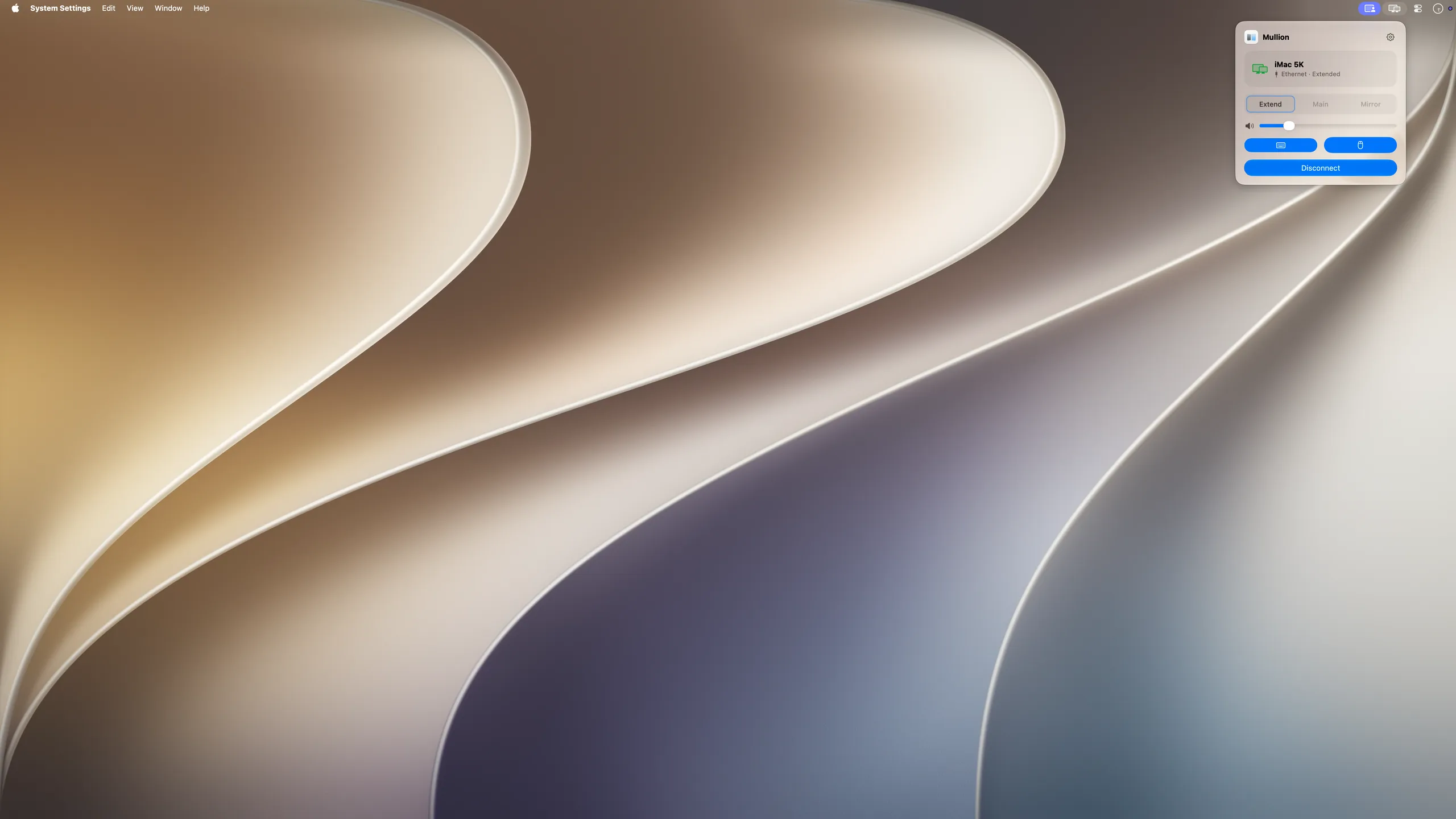
Four frames from the current build: the connected panel, the receiver pairing screen, the same panel on Wi-Fi, and the 5K desktop it drives.
Your options
Three ways to make a 5K iMac a display. Here is what each one costs you.
Apple ended Target Display Mode after the mid-2014 iMac. A late-2015 5K iMac has three ways back to work as a screen, and each asks something different of you.
| Conversion boardRebuild the iMac as a monitor | Other streaming appsSoftware, sometimes with extra hardware | MullionTwo apps, one local network | |
|---|---|---|---|
| What you do | Drawback:Cut the adhesive, lift out the 27-inch glass panel, and fit a driver board | Depends:Install the apps; some also need a hardware adapter, a Thunderbolt link, or a cable run directly between the two Macs | Strength:Install two apps and type a six-digit code once |
| Risk | Drawback:High-voltage capacitors inside, and a cracked panel ends the project | Strength:None to the hardware | Strength:None to the hardware |
| Your iMac afterwards | Drawback:No longer a computer, and its resale value goes with it | Strength:Still an iMac | Strength:Still an iMac, to use or to sell |
| Picture | Strength:5K, 8-bit or 10-bit depending on the board¹ | Depends:5K at 30–60 fps depending on the app²; some compress colour to 4:2:0 | Strength:5K at up to 60 fps³, full 4:4:4 colour |
| iMac keyboard and mouse | Depends:Pair them to your Mac yourself | Depends:Not in every app | Strength:They control your other Mac |
| Connection | Strength:A DisplayPort or HDMI cable | Depends:An adapter, Thunderbolt, or a dedicated cable, depending on the app | Strength:Ethernet, encrypted |
| Price | Drawback:About $90–$330 for the board alone⁴ | Depends:$49–$90⁵ | Strength:$49 at launch, $29 early bird for the first 20 licenses; one license, two sending Macs |
Nothing opened, no adapter, full 4:4:4 colour, and an encrypted link. The iMac is still a Mac afterwards.
- Driver boards for the iMac's panel come with 8-bit or 10-bit output. In October 2026 the 8-bit board cost about $90–$130 and 10-bit boards started at $220.
- Vendors' published figures, October 2026, run from about 30 fps to 60 fps at 5K. One app needs an $89.99 hardware adapter and reaches 5K at 45 Hz on a Mac.
- Measured at 57–58 fps in our tests on a late-2015 5K iMac over wired Ethernet; full-screen video runs lower.
- Board prices from the vendor's store, October 2026. Power supply, case, and cables can be extra.
- Paid apps that drive the panel at 5K, October 2026. Free open-source apps exist, at lower frame rates or with extra requirements.
- The 14-day trial starts at your first connection. The launch price is US$49 once, with free updates; the early-bird code takes US$20 off (US$29) until 31 December 2026, for the first 20 licenses. One license activates Mullion Display on two sending Macs.
Requirements
- Mullion Display
- macOS 14 or later on an Apple silicon Mac
- Mullion Receiver
- macOS 12 or later, on the iMac
- Tested with
- iMac (Retina 5K, 27-inch, Late 2015) running macOS 12.7.6
- Network
- Both Macs on the same local network
Mullion runs on our desk, but it is not ready to download. Join the trial list and we will write once when the trial opens.
At launch: a 14-day trial, then US$49 once or US$29 early bird for the first 20 licenses, with free updates. One license covers two sending Macs.
Join the trial list- Mullion has been tested only with the iMac model listed under Requirements.
- Apple, Mac, iMac, and macOS are trademarks of Apple Inc., registered in the U.S. and other countries and regions.
- Mullion is not affiliated with, sponsored by, or endorsed by Apple Inc.